> ## Documentation Index
> Fetch the complete documentation index at: https://ui-docs.vibeflow.ai/llms.txt
> Use this file to discover all available pages before exploring further.
# Clone a Website
> Turn any website into an editable React project in seconds
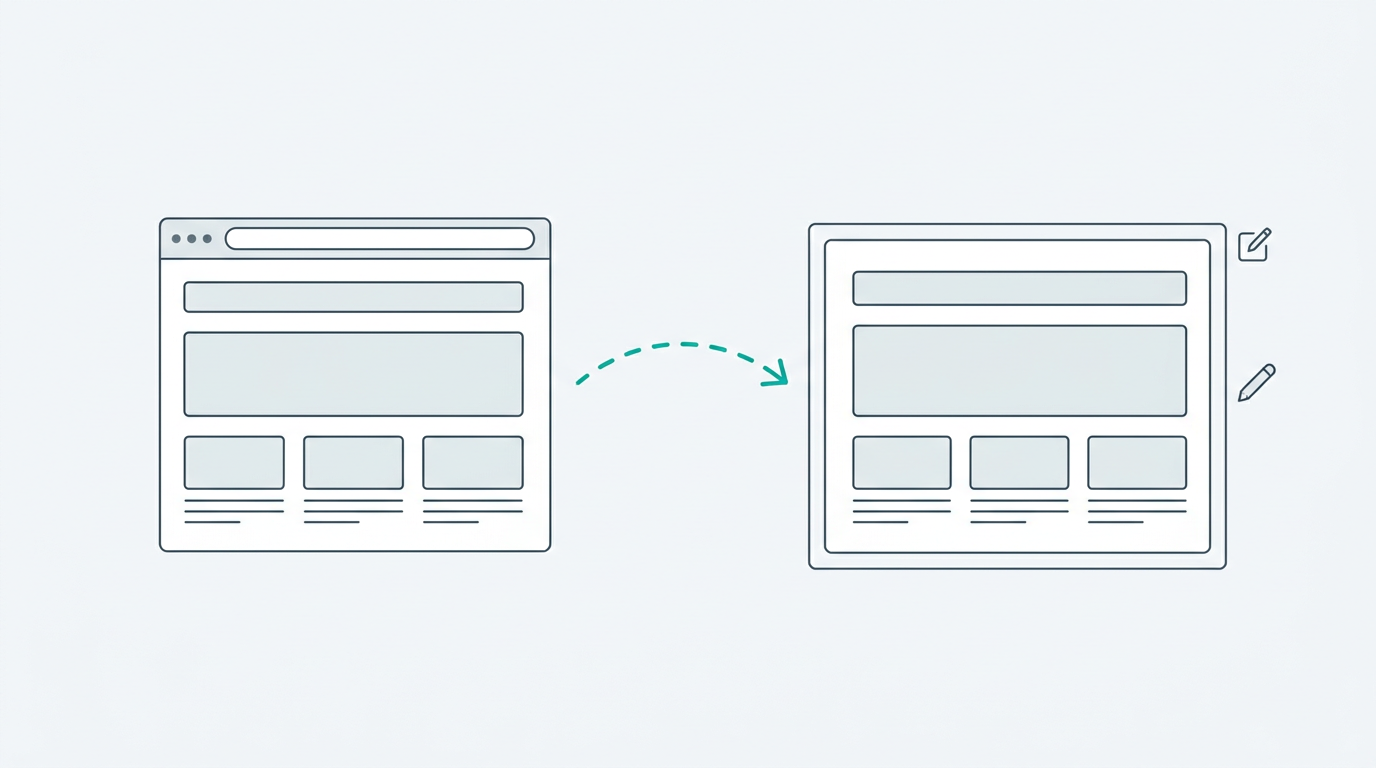
See a website you love? Paste the URL and VibeFlow converts it into a fully editable React application.
## How It Works
On the landing page, click the **Clone** tab in the top switcher.
Select **Website** as your clone method (the Globe icon). The other option
is Figma - see [Import from Figma](/creating-projects/figma-import).
Enter the full URL of the website you want to clone.
Click **Clone Website**. VibeFlow will analyze the page, extract its
structure and styles, and convert everything into React components with
Tailwind CSS. This typically takes 10–30 seconds.
 ## What Gets Cloned
VibeFlow extracts and converts:
* **Layout structure** - headers, sections, footers, grid layouts
* **Typography** - font sizes, weights, line heights, and spacing
* **Colors** - backgrounds, text colors, borders, and gradients
* **Images** - referenced images are preserved in the output
* **Interactive elements** - buttons, links, and basic form elements
**Complex JavaScript interactions** (animations, carousels, infinite scroll)
may not be perfectly replicated. Use the editor to refine these after cloning.
## After Cloning
Once the clone is generated, you land in the editor where you can:
* **Modify the layout** - "Move the hero section below the nav"
* **Change the content** - "Replace the placeholder text with my company info"
* **Restyle it** - "Switch to a dark theme" or "Apply the Glassmorphism style"
* **Add new sections** - "Add a testimonials carousel after the features grid"
The cloned project is a real React application. Every component is editable and the code is clean and well-structured.
## Tips for Best Results
* **Use public pages** - Pages behind authentication or paywalls can't be cloned.
* **Simpler pages clone better** - Landing pages and marketing sites produce the best results. Complex web apps with heavy client-side rendering may lose some detail.
* **Refine with chat** - After cloning, use the AI chat to make the output match your vision.
## What Gets Cloned
VibeFlow extracts and converts:
* **Layout structure** - headers, sections, footers, grid layouts
* **Typography** - font sizes, weights, line heights, and spacing
* **Colors** - backgrounds, text colors, borders, and gradients
* **Images** - referenced images are preserved in the output
* **Interactive elements** - buttons, links, and basic form elements
**Complex JavaScript interactions** (animations, carousels, infinite scroll)
may not be perfectly replicated. Use the editor to refine these after cloning.
## After Cloning
Once the clone is generated, you land in the editor where you can:
* **Modify the layout** - "Move the hero section below the nav"
* **Change the content** - "Replace the placeholder text with my company info"
* **Restyle it** - "Switch to a dark theme" or "Apply the Glassmorphism style"
* **Add new sections** - "Add a testimonials carousel after the features grid"
The cloned project is a real React application. Every component is editable and the code is clean and well-structured.
## Tips for Best Results
* **Use public pages** - Pages behind authentication or paywalls can't be cloned.
* **Simpler pages clone better** - Landing pages and marketing sites produce the best results. Complex web apps with heavy client-side rendering may lose some detail.
* **Refine with chat** - After cloning, use the AI chat to make the output match your vision.