> ## Documentation Index
> Fetch the complete documentation index at: https://ui-docs.vibeflow.ai/llms.txt
> Use this file to discover all available pages before exploring further.
# Welcome to VibeFlow UI
> Go from idea to polished UI in seconds - describe it, style it, ship it
 ## What is VibeFlow UI?
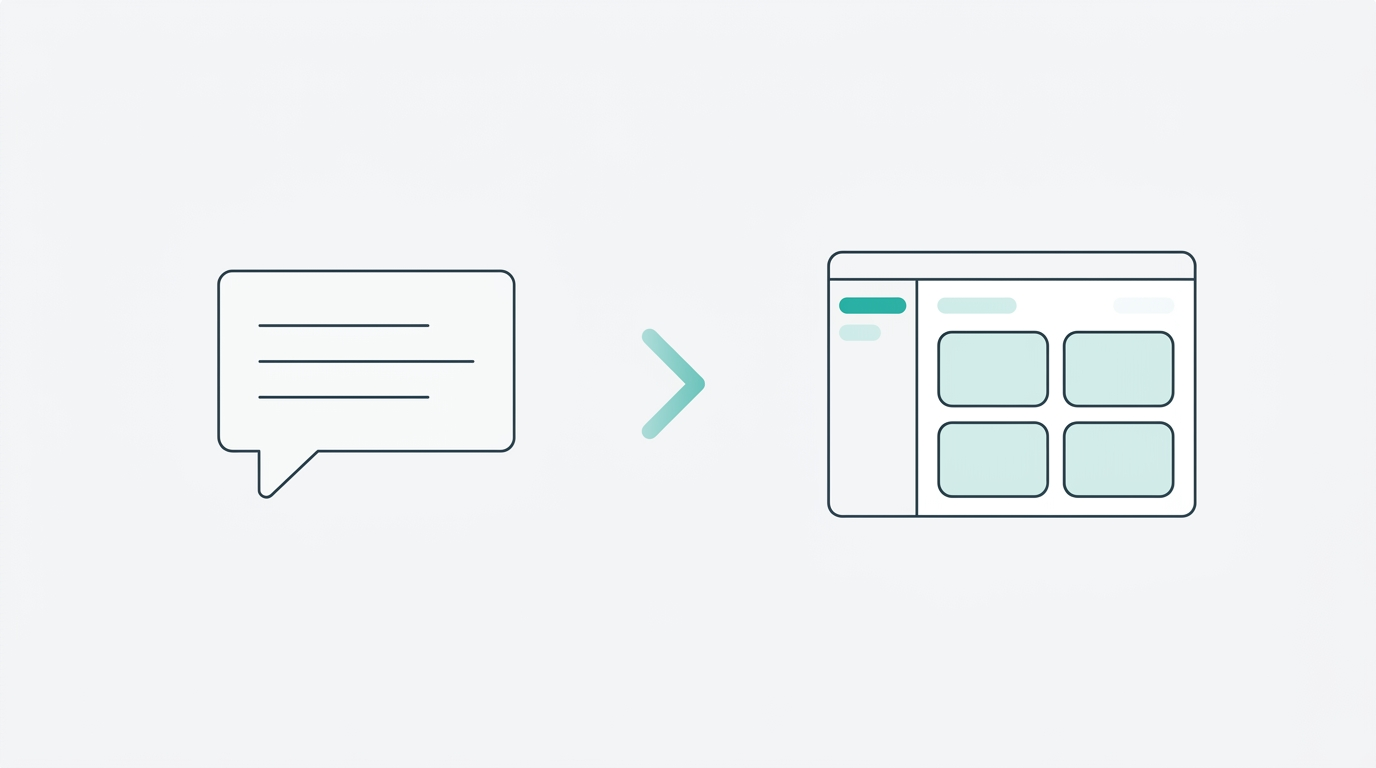
VibeFlow UI is an **AI-powered interface builder** that turns natural language descriptions into production-ready React applications. Instead of sketching wireframes and writing boilerplate, you describe what you want and VibeFlow generates a complete, styled, deployable UI.
It's designed for designers, founders, and developers who want to move fast - from rough idea to live prototype in minutes, not days.
Write what you want in plain English. A pricing page, a dashboard, a sign-up flow - anything.
Pick from 9 visual styles or apply your own design system for consistent branding.
Publish instantly to a live URL. Your UI is a real React app from the start.
## Three Ways to Create
Describe your UI in natural language and let AI generate it.
Paste any URL and get an editable React clone in seconds.
Convert Figma designs directly into working React components.
## Design Foundation
Every great UI starts with a visual direction. VibeFlow gives you two ways to set one:
* **UI Styles** - Choose from 9 curated aesthetics (Neobrutalist, Glassmorphism, Cyberpunk, and more). Each style guides the AI to generate components that match a specific visual language.
* **Design Systems** - Bring your own component library. Upload tokens, components, and guidelines so every generated UI matches your brand.
**Not sure which style to pick?** Start with "Start Fresh" and let the AI
choose. You can always apply a style later from the editor.
## The Editor
Once your UI is generated, you land in a full editing environment:
* **AI Chat** - Refine your UI by describing changes in natural language. "Make the header sticky", "Add a dark mode toggle", "Change the font to Inter".
* **Live Preview** - See every change rendered in real time in an embedded browser.
* **One-Click Publish** - Deploy your UI to a live URL instantly.
## Community
Browse hundreds of community-built templates and remix them into your own projects. Every template is a real project you can fork, customize, and deploy.
## Getting Started
Build your first UI in under 2 minutes
See all 9 visual styles with preview images
## What is VibeFlow UI?
VibeFlow UI is an **AI-powered interface builder** that turns natural language descriptions into production-ready React applications. Instead of sketching wireframes and writing boilerplate, you describe what you want and VibeFlow generates a complete, styled, deployable UI.
It's designed for designers, founders, and developers who want to move fast - from rough idea to live prototype in minutes, not days.
Write what you want in plain English. A pricing page, a dashboard, a sign-up flow - anything.
Pick from 9 visual styles or apply your own design system for consistent branding.
Publish instantly to a live URL. Your UI is a real React app from the start.
## Three Ways to Create
Describe your UI in natural language and let AI generate it.
Paste any URL and get an editable React clone in seconds.
Convert Figma designs directly into working React components.
## Design Foundation
Every great UI starts with a visual direction. VibeFlow gives you two ways to set one:
* **UI Styles** - Choose from 9 curated aesthetics (Neobrutalist, Glassmorphism, Cyberpunk, and more). Each style guides the AI to generate components that match a specific visual language.
* **Design Systems** - Bring your own component library. Upload tokens, components, and guidelines so every generated UI matches your brand.
**Not sure which style to pick?** Start with "Start Fresh" and let the AI
choose. You can always apply a style later from the editor.
## The Editor
Once your UI is generated, you land in a full editing environment:
* **AI Chat** - Refine your UI by describing changes in natural language. "Make the header sticky", "Add a dark mode toggle", "Change the font to Inter".
* **Live Preview** - See every change rendered in real time in an embedded browser.
* **One-Click Publish** - Deploy your UI to a live URL instantly.
## Community
Browse hundreds of community-built templates and remix them into your own projects. Every template is a real project you can fork, customize, and deploy.
## Getting Started
Build your first UI in under 2 minutes
See all 9 visual styles with preview images