

How It Works
Every message you send is interpreted by the AI in the context of your current codebase. The AI:- Reads your current code - It understands every component, style, and layout
- Interprets your request - Natural language is mapped to specific code changes
- Applies the changes - Code is modified and the preview updates instantly
- Explains what it did - The AI describes the changes it made
Writing Effective Prompts
Layout Changes
Styling Changes
Component Changes
Content Changes
Context Chips
When you select a Style or Design System from the footer buttons, they appear as context chips in the chat input area. These provide additional context to the AI:- Style chip (purple) - Tells the AI to use a specific visual aesthetic for the next change
- Design System chip (teal) - Tells the AI to reference your component library and tokens
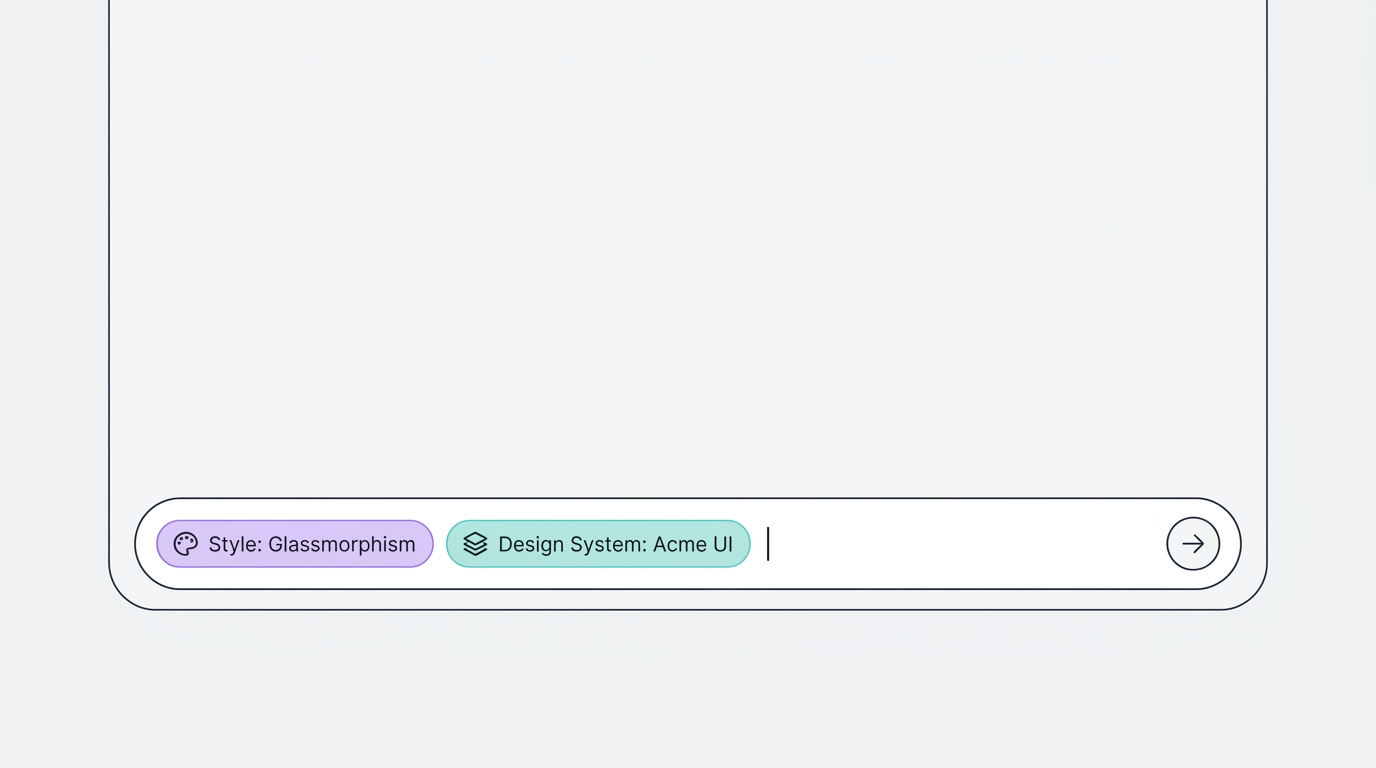
Styles and Design Systems in the Editor
For UI projects, the Styles and Design Systems buttons are directly visible in the chat footer (no dropdown menu needed).Styles Button
Click to open a dropdown with all 9 style cards. Select one to add it as context for your next message. This is useful when you want to restyle a section or generate new components in a specific aesthetic.Design Systems Button
Click to browse your uploaded design systems with search and preview cards. Select one to ensure the AI uses your components and guidelines.Tips
Chain small changes
Chain small changes
Instead of one massive prompt, make small, incremental changes. “Add a nav bar” → “Make it sticky” → “Add a search icon” → “Add dropdown menus on hover.” This gives you more control over the result.
Reference specific sections
Reference specific sections
Say “in the hero section” or “in the footer” to target specific parts of the page. The AI understands spatial references.
Use undo as a safety net
Use undo as a safety net
If a change isn’t what you wanted, you can ask the AI to “undo that” or “revert the last change.” The chat history preserves the context.
Describe interactions, not just appearance
Describe interactions, not just appearance
“When I click the menu button, slide in a sidebar from the left with a dark overlay” - the AI can build complex interactions from natural language.