The VibeFlow community shares ready-made UI projects that you can browse, preview, and remix into your own work.

Browsing Templates

1

Open Community

Navigate to Community in the sidebar or visit the community page from the landing page.
2

Browse or search

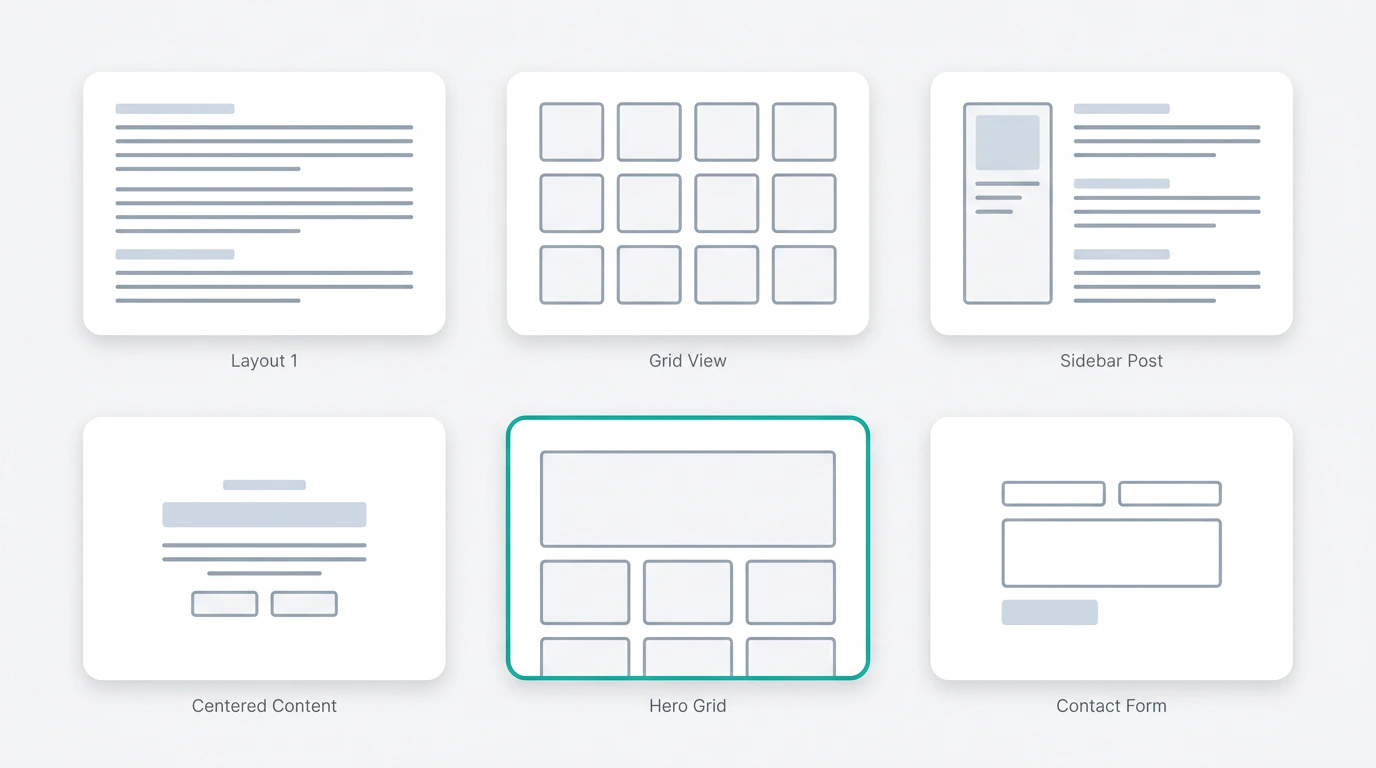
Scroll through the template gallery. Each template shows a preview image, title, and the original creator.
3

Preview

Click a template to open a live preview. Inspect the full UI before deciding to use it.
Community templates gallery

What’s in a Template?

Each community template is a complete React project, including:
  • Full component structure
  • Styling (Tailwind CSS)
  • Responsive layout
  • Interactive elements
Templates cover a wide range of use cases: landing pages, dashboards, e-commerce storefronts, portfolios, admin panels, and more.

Using a Template

When you find a template you like, click Remix to create your own copy. This creates a new project in your account that you can fully customize in the editor. See Remixing for details on how to customize a remixed template.
Templates are starting points, not final products. Remix a template and then use the editor to change colors, content, layout, and components to match your needs.