

How It Works
1
Switch to Clone mode
On the landing page, click the Clone tab in the top switcher.
2
Choose your source
Select Website as your clone method (the Globe icon). The other option
is Figma - see Import from Figma.
3
Paste the URL
Enter the full URL of the website you want to clone.
4
Clone
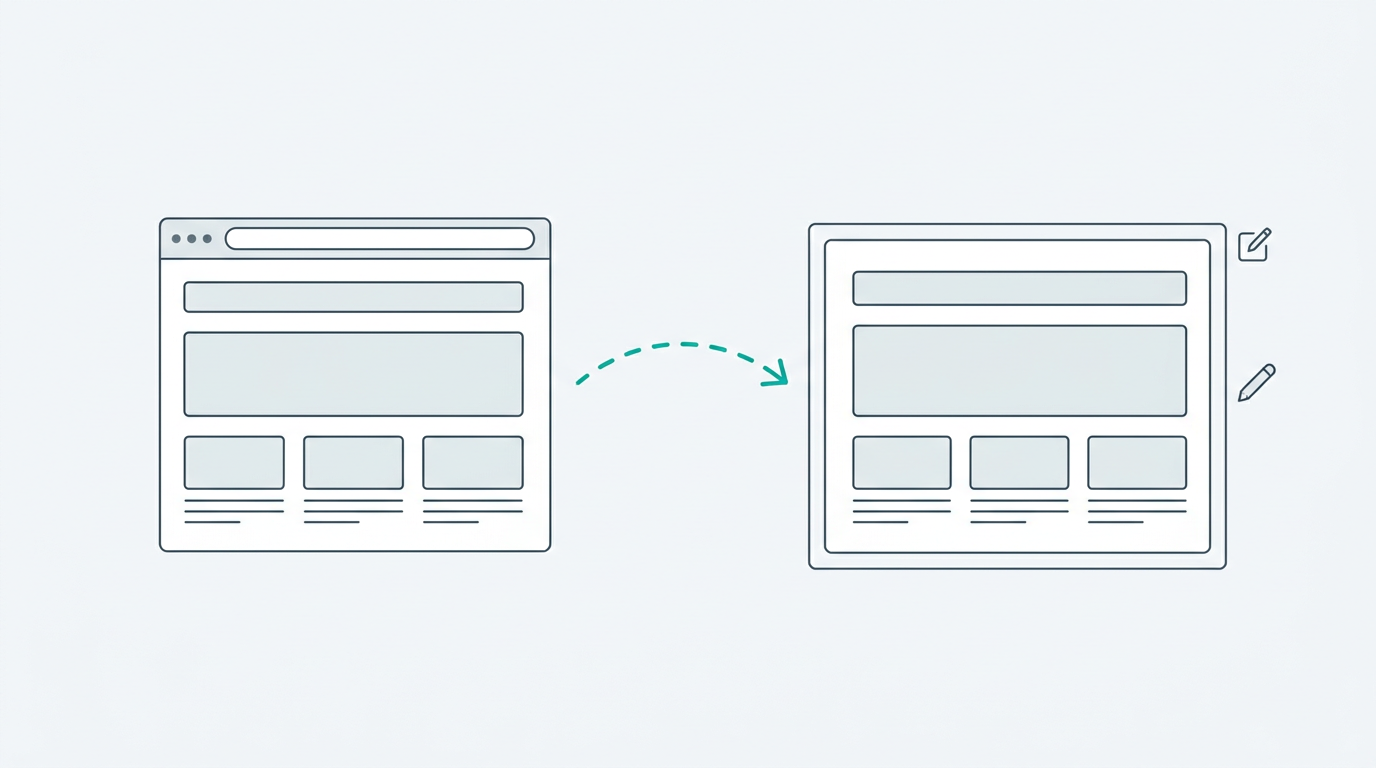
Click Clone Website. VibeFlow will analyze the page, extract its
structure and styles, and convert everything into React components with
Tailwind CSS. This typically takes 10–30 seconds.
What Gets Cloned
VibeFlow extracts and converts:- Layout structure - headers, sections, footers, grid layouts
- Typography - font sizes, weights, line heights, and spacing
- Colors - backgrounds, text colors, borders, and gradients
- Images - referenced images are preserved in the output
- Interactive elements - buttons, links, and basic form elements
After Cloning
Once the clone is generated, you land in the editor where you can:- Modify the layout - “Move the hero section below the nav”
- Change the content - “Replace the placeholder text with my company info”
- Restyle it - “Switch to a dark theme” or “Apply the Glassmorphism style”
- Add new sections - “Add a testimonials carousel after the features grid”
Tips for Best Results
- Use public pages - Pages behind authentication or paywalls can’t be cloned.
- Simpler pages clone better - Landing pages and marketing sites produce the best results. Complex web apps with heavy client-side rendering may lose some detail.
- Refine with chat - After cloning, use the AI chat to make the output match your vision.